
AI dictation tools are everywhere right now. Wispr Flow, Superwhisper, Willow, Monologue — the list keeps growing, and new ones pop up weekly. So when Nothing announced Essential Voice on Thursday, my first thought was “great, another one.”
But after digging into what they’re actually doing, I think this one deserves a closer look.
Essential Voice works like most dictation apps at a basic level: you speak, it turns your speech into formatted text, and it strips out filler words like “um” and “ah.” That’s table stakes at this point. What makes it stand out is the system-level integration.
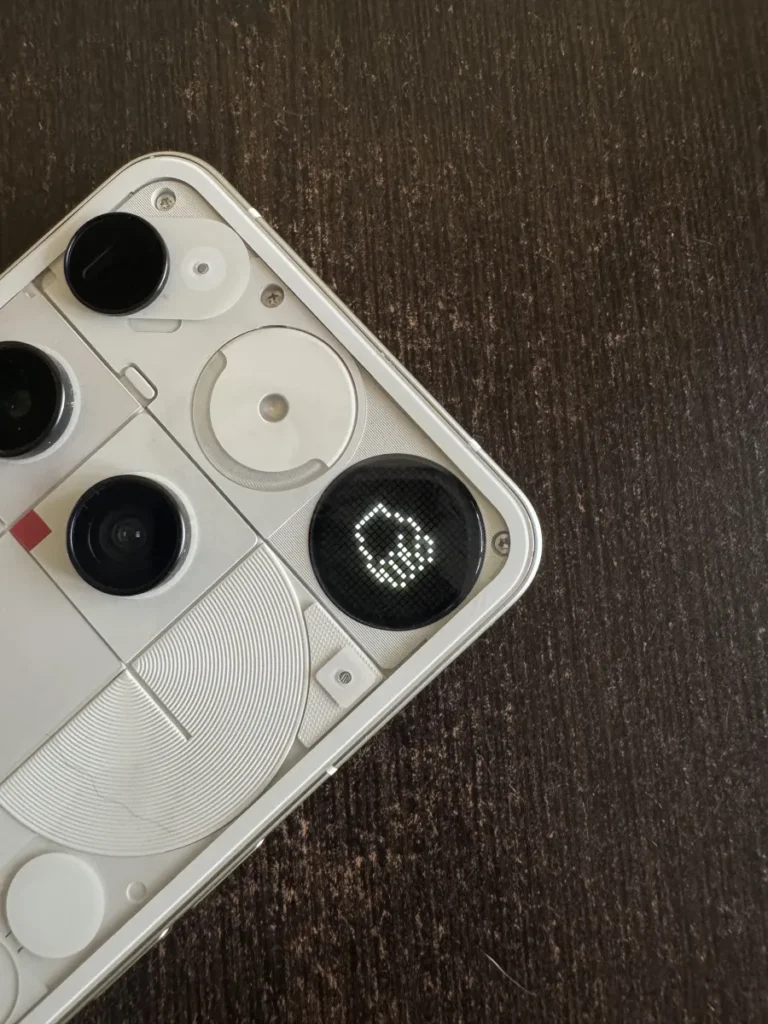
Nothing is one of the first companies to bake dictation directly into the OS rather than forcing you into a third-party app. You trigger it by pressing the Essential key (on devices that have it) or from the keyboard. That’s it. No app switching, no copy-pasting between windows.
You can also create custom voice shortcuts for things like your address, links, templates, or any repeated phrase. Assign a phrase like “my address” to your full address, and it just works. This is the kind of convenience that makes dictation actually usable day-to-day rather than a party trick.
At launch, Essential Voice supports over 100 languages for translation — you can dictate in one language and have it output in another. That’s more useful than I initially gave it credit for.
Right now, the feature is only available on the Phone (3). Nothing says the Phone (4a) Pro will get it later this month, and the Phone (4a) will follow next month. So if you’re on an older Nothing device, you’re out of luck for now.
What’s coming next is potentially more interesting: app-based custom styling. The idea is that you’ll be able to set different tones for different app categories — work vs. messaging, for example. So dictating an email might default to a professional tone while a text to a friend stays casual. If Nothing executes this well, it could be a genuinely useful differentiator.
It’s also worth noting that this comes right after Superwhisper released a similar feature for iPhone users that maps the action button to dictation. The timing feels deliberate. Google also recently released an offline dictation app, which suggests the big players are starting to take this space seriously.
Nothing’s approach is smarter than most because it’s not just another app. It’s a system-level tool that doesn’t require you to change your workflow. Whether that’s enough to make people switch from established options remains to be seen, but it’s a solid first attempt.
Comments (0)
Login Log in to comment.
Be the first to comment!