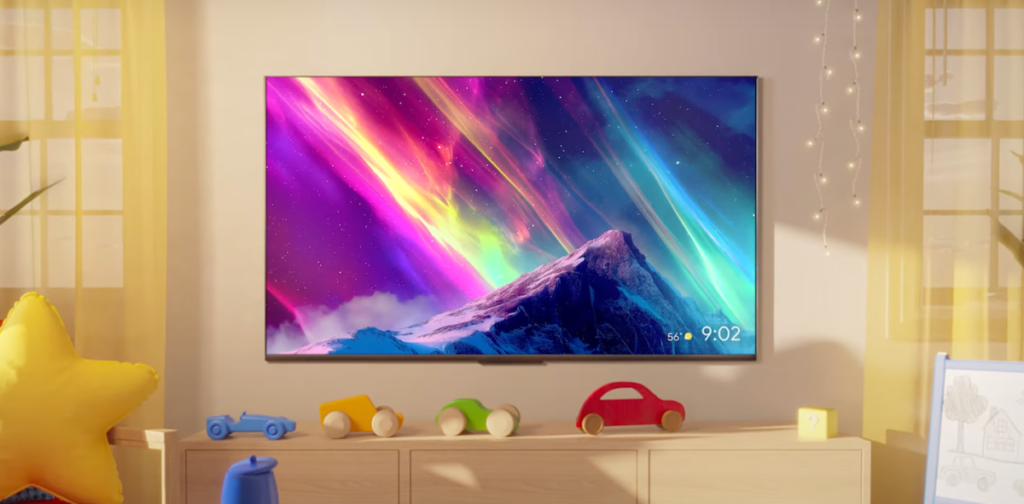

Google TV is getting another round of Gemini features, and this time they’re bringing actual photo and video editing tools to your living room. The two new additions are called Nano Banana and Veo, and they’re exactly the kind of thing that sounds cool on paper but might leave you wondering how often you’ll actually use them.
Nano Banana is the photo tool. It lets you transform your photos with various effects and adjustments, all processed locally on the device rather than in the cloud. That’s a smart move—no one wants to wait for a server to process a photo when they’re just trying to show something on the big screen. The results are decent, but I’m not convinced most people will fire this up regularly. It’s more of a party trick than a daily driver.
Veo is the video side of the equation. It’s a generative video tool that can create short clips from text prompts or modify existing footage. I’ve seen demos where it turns a mundane home video into something stylized or surreal. The latency is surprisingly low for on-device processing, but the output quality is still a bit rough around the edges. Faces can get wobbly, and backgrounds sometimes flicker. It’s impressive for a TV accessory, but it’s not going to replace your editing software anytime soon.
The bigger picture here is that Google is doubling down on making Google TV a platform for casual creativity, not just passive consumption. That’s an interesting pivot. Most smart TV interfaces are content discovery tools first and everything else a distant second. By adding these Gemini features, Google is trying to turn your TV into something you interact with, not just stare at. I’m not sure that’s what people want, but I respect the attempt.
One thing I appreciate is that these features are rolling out to existing devices, not just the newest hardware. The update is hitting Chromecast with Google TV and select Sony and TCL models. That’s a nice touch. You don’t need to buy a new TV to play with Nano Banana or Veo.
Of course, there’s the privacy angle. Google says all processing happens on-device, which means your photos and videos never leave your living room. That’s a solid reassurance, especially for a company that’s had its share of data controversies. But I’d still like to see a clearer explanation of what data is collected for model improvement. The privacy policy is vague on this point, and that’s a bit frustrating.
I’ve been using the beta for a week now. Nano Banana is fun for about five minutes. You can turn a photo into a sketch or apply a watercolor effect, and it looks okay on a 55-inch screen. But the novelty wears off fast. Veo is more interesting because it’s genuinely new—most people haven’t seen generative video on a TV before. But the output is inconsistent. Sometimes you get a clip that looks like a polished short film; other times it looks like a glitchy nightmare.
Google is clearly betting that these features will make Google TV stand out from Roku, Amazon Fire TV, and Apple TV. I’m not sure that bet pays off. Roku users aren’t switching because they can turn their dog photos into impressionist paintings. But for existing Google TV owners, it’s a free update that adds some novelty. No harm in that.
The rollout started this week. Check your settings for the update if you’re curious. Just don’t expect to replace your phone’s photo editor or your desktop video software. These are toys, not tools.
Comments (0)
Login Log in to comment.
Be the first to comment!