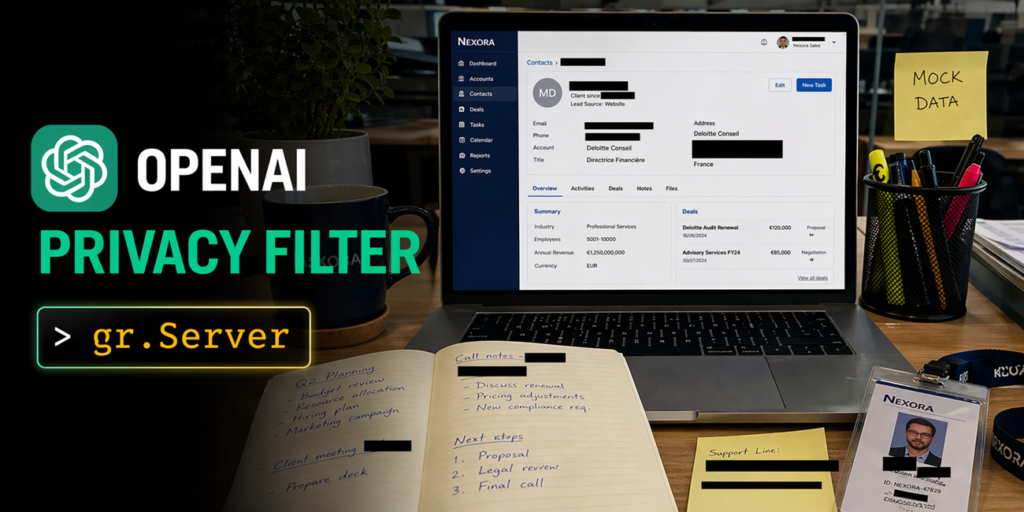

OpenAI dropped an open-source PII detector on the Hub this week called Privacy Filter. It’s a 1.5B-parameter model (50M active, Apache 2.0) that labels text across eight categories in a single pass over 128k tokens. That’s a big deal for anyone who’s ever had to chunk documents and stitch results back together. I spent a few hours building with it, and I came away impressed—not just by the model, but by how much easier the whole thing is when you pair it with Gradio’s server layer.
The model itself is straightforward: it handles private_person, private_address, private_email, private_phone, private_url, private_date, account_number, and secret. It’s state-of-the-art on the PII-Masking-300k benchmark. The 128k context means you can throw an entire contract or chat export at it without splitting anything. No chunking, no stitching, no offset math headaches. The span boundaries come back clean because it uses BIOES decoding. That’s the kind of detail that separates a toy from something you’d actually use in production.
I built three apps with it, each showing a different angle of what the model can do. The first is a Document Privacy Explorer. Drop in a PDF or DOCX, and the app reads it back with every PII span highlighted by category. There’s a sidebar filter to toggle categories on and off, and a summary dashboard up top. The reading experience feels like a real document—serif body, no page re-renders when you toggle something. The second is an Image Anonymizer. Upload a screenshot of a Slack thread or a Stripe dashboard, and it runs OCR with Tesseract, finds the PII, and draws black bars over the sensitive parts. You can toggle bars, drag them, or draw new ones by hand. The export happens client-side at natural resolution, no server round-trip. The third is SmartRedact Paste. Paste sensitive text, get a public URL that serves the redacted version, and a private reveal link for yourself. Simple, useful, done.
What makes all three work is gr.Server. If you haven’t seen it, it’s a way to pair custom HTML/JS frontends with Gradio’s backend infrastructure—queueing, ZeroGPU allocation, the gradio_client SDK. In each app, the pattern is the same. You define a FastAPI endpoint with a decorator, and that endpoint plugs into Gradio’s queue automatically. Concurrent uploads get serialized, GPU allocation composes correctly on ZeroGPU, and the same endpoint is reachable from both the browser and the Python client with no duplicated code.
Here’s the critical bit: the decorator is @server.api(name=”analyze_document”), not a plain @server.post. That’s what wires the handler into the queue system. Without it, you’d have to manage concurrency yourself, and you’d lose the ZeroGPU integration. The browser calls the endpoint with the Gradio JS client—client.predict(“/analyze_document”, { file: handle_file(data) })—and the same pattern repeats across all three apps. The frontend owns the rendering, the backend owns the model, and the queue keeps everything from falling over under load.
I’ve built enough PII redaction tools to know that the hard part isn’t the model. It’s the UX. Most demos give you a text area and a button, and that’s fine for a proof of concept, but it’s not how people actually work. People want to drop in a PDF, see the highlights inline, toggle categories without re-running the model, and export the result without a server round-trip. The model handles the detection. The backend handles the queue. The frontend handles the experience. gr.Server lets you keep those layers cleanly separated without writing a ton of glue code.
The Image Anonymizer is the most impressive of the three, honestly. OCR on screenshots is notoriously finicky, but Tesseract does a decent job when the text is clean. The backend reconstructs the full text with a character-offset-to-bounding-box map, runs Privacy Filter once, and looks up the detected spans against the word map to get pixel rectangles per line. The frontend draws black bars over those rectangles, lets you toggle categories, drag bars, and draw new ones. The export is client-side PNG at natural resolution. No server round-trip, no quality loss, no waiting.
There’s one thing I’ll nitpick: the model is 1.5B parameters even though only 50M are active. That still means you need a GPU with decent VRAM to run it locally. On ZeroGPU it’s fine, but if you’re trying to run this on a laptop for a quick script, you’re going to have a bad time. The API endpoint pattern works well for that case—you can host the model on a GPU-backed Space and call it from anywhere—but it’s worth knowing before you start.
I also wish the documentation included more examples of the edge cases. What happens with mixed-language documents? What about handwritten text in images? The model is solid on clean text, but real-world data is never clean. The Image Anonymizer handles OCR noise reasonably well because it works at the word level, but there’s always a gap between a benchmark and production.
Despite those caveats, this is a genuinely useful release. The combination of a strong PII model, a 128k context window, and a server layer that handles the boring infrastructure work makes it possible to build real apps in an afternoon. I’ve seen too many PII demos that look impressive in a blog post but fall apart when you try to use them. These three apps don’t. They’re rough around the edges in the right ways—functional, extensible, and built on patterns that scale.
Comments (0)
Login Log in to comment.
Be the first to comment!